
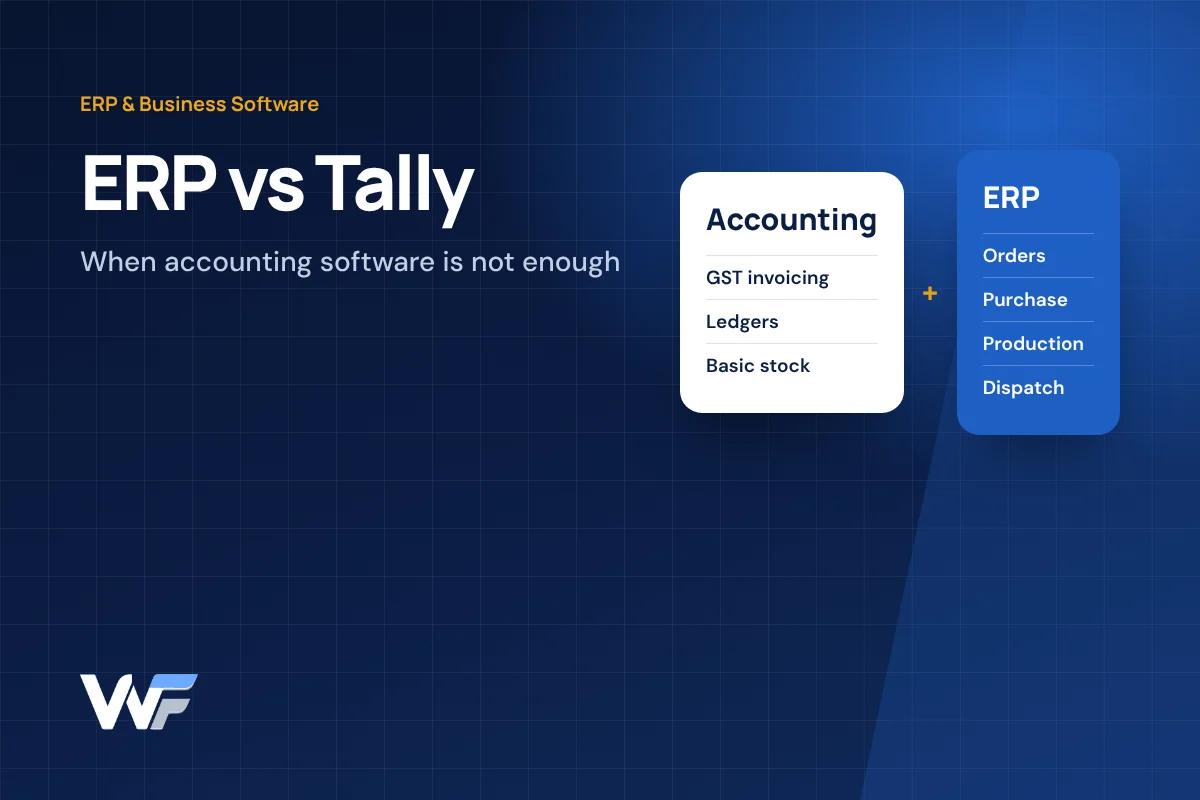
Almost every growing business in Karnataka reaches the same point. Accounts are in Tally, orders come on WhatsApp, stock is tracked in Excel, production is on a whiteboard and dispatch is in someone's notebook. Each part works, but nobody has a single, reliable picture of the business.
At that point the question comes up: do we need an ERP, or is Tally enough? The honest answer is that it depends less on company size and more on how many moving parts your operations have.
What Tally Does Well
Tally is built around accounting, invoicing, inventory and statutory compliance, and it does those jobs well for a very large number of Indian businesses.
Current versions of TallyPrime cover GST-compliant invoicing, accounting, inventory management, banking and cash flow, GST returns and reconciliation, and e-invoicing and e-way bills. For a trading business, a distributor with a single godown or a service company, that may be all the system they need.
What an ERP Does
An ERP (Enterprise Resource Planning) system connects the operational side of a business so every department works from the same live data.

Where accounting software records what has already happened financially, an ERP manages the work that leads up to it: enquiries becoming orders, orders reserving stock, stock triggering purchase, purchase feeding production, production feeding dispatch, and dispatch feeding billing.
ERP vs Tally: Side-by-Side
The two are designed for different jobs, so the comparison is less about which is better and more about which gaps matter to you.
| Area | Tally (accounting focus) | ERP (operations focus) |
|---|---|---|
| Primary purpose | Accounts, invoicing, compliance | Running day-to-day operations end to end |
| GST and statutory work | Core strength | Usually handled by or connected to accounting software |
| Order-to-dispatch workflow | Basic | Full workflow with statuses and approvals |
| Production planning | Basic job costing | BOMs, work orders, material planning |
| Many users across branches and field | Depends on licence and setup | Designed for it, often browser-based |
| Custom approvals and business rules | Limited without customisation | Built around your process |
| Integration with website, WhatsApp, apps | Limited | Typically built in |
Capabilities vary by version, licence, add-ons and implementation partner. Check current features with the vendor.
Signs You Have Outgrown Tally on Its Own
The trigger is rarely accounting. It is usually the operational chaos around it.
- Stock in the godown does not match stock in the books, and nobody knows why.
- Orders are confirmed on WhatsApp but production or dispatch finds out late.
- The same data is typed into Excel, Tally and messages, leading to errors.
- Month-end MIS takes days of manual work, and the owner still does not trust it.
- Branches, warehouses or field staff cannot see live information.
- Approvals for discounts, purchases or credit happen informally and are not recorded.
- You cannot see order status, pending dispatch or customer outstanding in one place.
If three or more of these sound familiar, it is time to look beyond accounting software.
Your Options
There is no single right answer. Most businesses choose one of four paths.
| Option | Works well when | Watch out for |
|---|---|---|
| Stay with Tally and tidy up processes | Operations are simple; the problem is discipline, not tools | Spreadsheets creeping back in |
| Add Tally customisations or add-ons | Gaps are small and close to accounting | Customisations becoming hard to maintain |
| Ready-made ERP product | Your process is fairly standard for your industry | Per-user licences, changing your process to fit the software |
| Custom ERP alongside Tally | Your operations are specific, or you need integration with website, WhatsApp or apps | Needs a clear scope and a phased rollout |
Using an ERP and Tally Together
Many businesses do not replace Tally at all. They keep it for accounts and compliance and use an ERP for operations.
In this setup the ERP handles orders, stock, production and dispatch, and sends sales and purchase data to the accounting side, either by export and import or through an integration where available. Your accountant keeps working in a familiar tool while the rest of the team gets a system built for operations.
This is often the lowest-risk path because statutory work does not change on day one.
How to Decide
A short internal exercise usually makes the decision obvious.
- List the five tasks that waste the most time each week, and who does them.
- Write down where each piece of information lives today: Tally, Excel, WhatsApp or paper.
- Identify which decisions you cannot make because the data is late or unreliable.
- Estimate the cost of mistakes such as wrong dispatches, stock-outs and missed follow-ups.
- Start with one module, often orders and inventory, rather than everything at once.
If you want help with this, our ERP software development team can map your process and suggest whether you need an ERP, an add-on or simply better use of what you already have.
Planning an ERP for Your Business?
We build custom ERP systems for manufacturers, distributors and service businesses in Mysore, Bangalore and across Karnataka, usually working alongside your existing accounting software.
Key Takeaways
- Tally is strong for accounts, invoicing, GST and core inventory.
- An ERP connects operations: orders, purchase, production, multi-location stock and dispatch.
- The need for ERP is driven by operational complexity, not company size.
- Many businesses keep Tally for accounts and add an ERP for operations.
- Start with the module that causes the most pain and grow in phases.
Frequently Asked Questions
Is Tally an ERP?
Tally (TallyPrime) describes itself as business management software and covers accounting, inventory and compliance. It does not usually cover the full operational workflow, such as production planning, multi-step approvals and field access, that a dedicated ERP provides.
Can I use ERP and Tally together?
Yes. A common setup keeps Tally for accounts and GST while an ERP manages orders, stock, production and dispatch, with data shared between them.
Do small businesses need an ERP?
Not always. If accounts and simple stock are your main needs, Tally and good processes may be enough. ERP becomes worth it when operations involve many people, steps or locations.
Is a custom ERP expensive?
Cost depends on the modules, users and integrations. Starting with one or two modules and adding more over time keeps the investment manageable.
How long does it take to move to an ERP?
A phased approach is usually best: one module goes live first, data is migrated, the team is trained, and further modules follow.

Published by Weform Solution
Weform Solution designs websites and builds web applications, ERP and CRM systems, mobile apps and business messaging for businesses in Mysore, Bangalore and across Karnataka. Learn more about Weform Solution.
Talk to Us About Your Project
Share what you want to build and we will suggest a practical next step.