
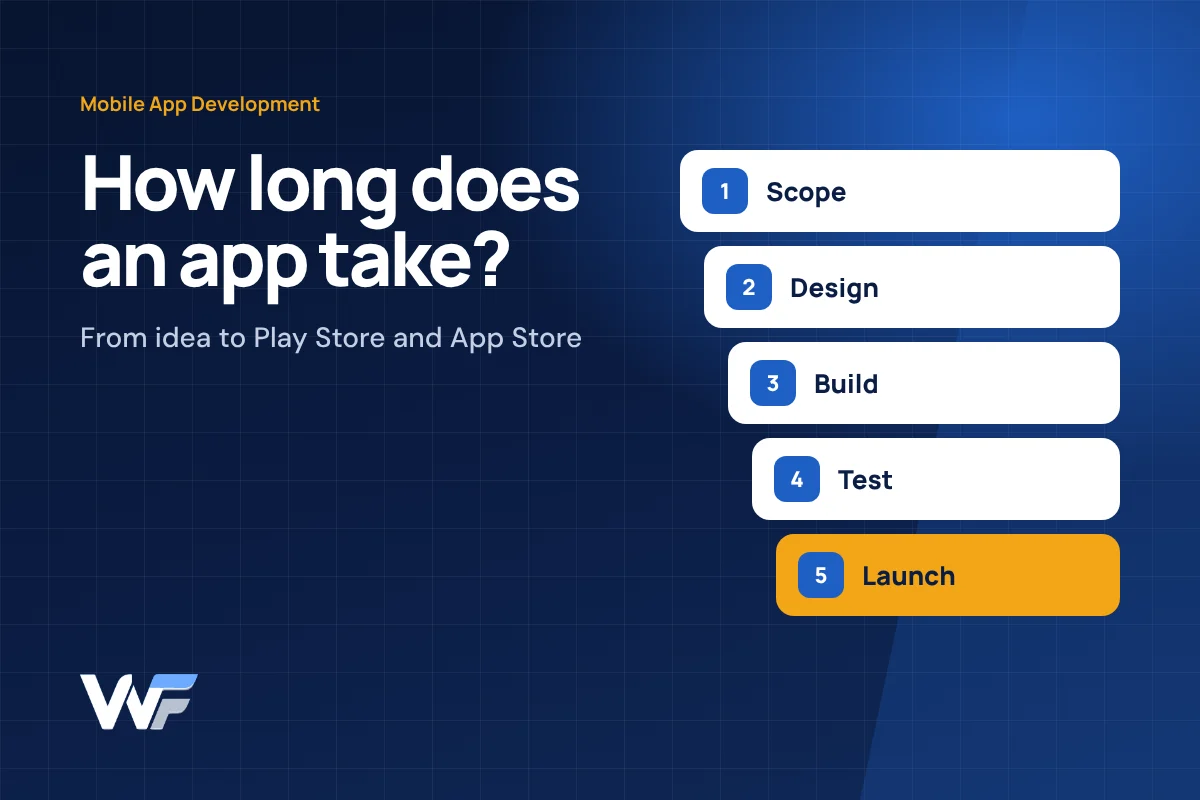
An app is not one piece of work. A typical business app has three parts: the app users install, an admin panel your team uses to manage it, and a server that stores data and connects everything. Each part moves through planning, design, development and testing before it reaches the Play Store and App Store.
Understanding these stages helps you plan launches realistically and avoid the most common cause of delay: changing the scope halfway through.
The Stages of Mobile App Development
Every professional app project moves through the same core stages, even if they overlap.
| Stage | What happens | Your involvement |
|---|---|---|
| 1. Discovery and scope | Users, features, screens, integrations and priorities agreed | High: decisions and examples |
| 2. UX and UI design | Screen flows, then visual designs for review | High: feedback and approvals |
| 3. Backend and admin panel | Database, APIs, admin screens and integrations built | Medium: test data and rules |
| 4. App development | Android and iOS screens connected to the backend | Medium: review demos |
| 5. Testing | Real devices, edge cases, payments and notifications tested | Medium: user acceptance testing |
| 6. Store submission | Listings, screenshots, privacy details and review | Medium: developer accounts and content |
| 7. Launch and updates | Release, monitoring, fixes and the next version | Ongoing |
Typical Effort by App Type
App size is the biggest driver of time. These broad bands are typical across the industry, not commitments.
| App type | Example | Typical shape of the project |
|---|---|---|
| Simple | Catalogue, information or booking-request app with an admin panel | Shortest timeline; often weeks to a couple of months |
| Medium | Ordering app with login, payments, notifications and order tracking | Usually a few months, often released in phases |
| Complex | Multi-role platform, real-time tracking, marketplace or deep ERP integration | Several months or more, built and released module by module |
Timelines vary with scope, team size, feedback speed and store review. Always ask for an estimate based on your own requirement.
What Makes an App Take Longer
Delays usually come from a handful of predictable causes.

- Unclear or changing scope. Adding features during development resets design, build and testing.
- Many user types. Customer, staff, delivery and admin apps each need their own screens and permissions.
- Integrations. Payment gateways, ERP, maps, SMS, WhatsApp and third-party APIs add build and testing time.
- Slow feedback and content. Waiting for logos, product data, text or approvals often delays projects more than coding.
- Both platforms with native code. Separate Android and iOS codebases take more effort than a cross-platform approach.
- Store review. Apple and Google reviews can request changes, especially around privacy and payments.
How to Launch Faster Without Cutting Quality
Most time savings come from decisions, not shortcuts.
Why a Focused First Version Matters
Launching a smaller first version is usually faster, cheaper and less risky.
A minimum viable product (MVP) includes only the features needed for users to complete the main task, for example browse, order and track. Real usage then shows which features matter next. Many successful business apps grow through regular updates rather than one large launch.
If your app needs a web dashboard too, read our guide on choosing between an ordering app and a customer portal.
Before You Ask for a Quote
A short brief helps any developer give a realistic timeline.
- Who will use the app: customers, staff, dealers or all three?
- What is the one main task users must complete?
- Which features are must-have for launch?
- Does it need payments, maps, notifications, OTP login or offline use?
- Does it connect to existing software, such as ERP, CRM or accounting?
- Android, iOS or both?
- When do you need it live, and why that date?
Planning a Mobile App?
We build Android and iOS apps with their admin panels for businesses in Mysore, Bangalore and across Karnataka, and we can help you scope a realistic first version.
Key Takeaways
- A business app has three parts: the user app, an admin panel and a server.
- Scope, user roles and integrations drive the timeline more than anything else.
- Slow decisions and missing content cause more delays than coding.
- A focused first version launches sooner and reduces risk.
- Ask for an estimate based on a written scope, not a general figure.
Frequently Asked Questions
How long does it take to build a simple app?
A simple app with a few screens and an admin panel is usually the quickest type to build. The exact time depends on features, content readiness and store review.
Does building for both Android and iOS double the time?
Not necessarily. Cross-platform frameworks let one codebase run on both, which saves time compared with two separate native apps. Some apps still need native work for specific features.
How long does Play Store and App Store approval take?
Reviews are often quick but can take longer if the store asks for changes. Allow time in your plan for review and resubmission.
Why do apps need an admin panel?
The admin panel lets your team manage users, products, orders, content and reports without developer help.
Can an app be updated after launch?
Yes. Most apps receive regular updates for new features, fixes and changes in phone operating systems.

Published by Weform Solution
Weform Solution designs websites and builds web applications, ERP and CRM systems, mobile apps and business messaging for businesses in Mysore, Bangalore and across Karnataka. Learn more about Weform Solution.
Talk to Us About Your Project
Share what you want to build and we will suggest a practical next step.