
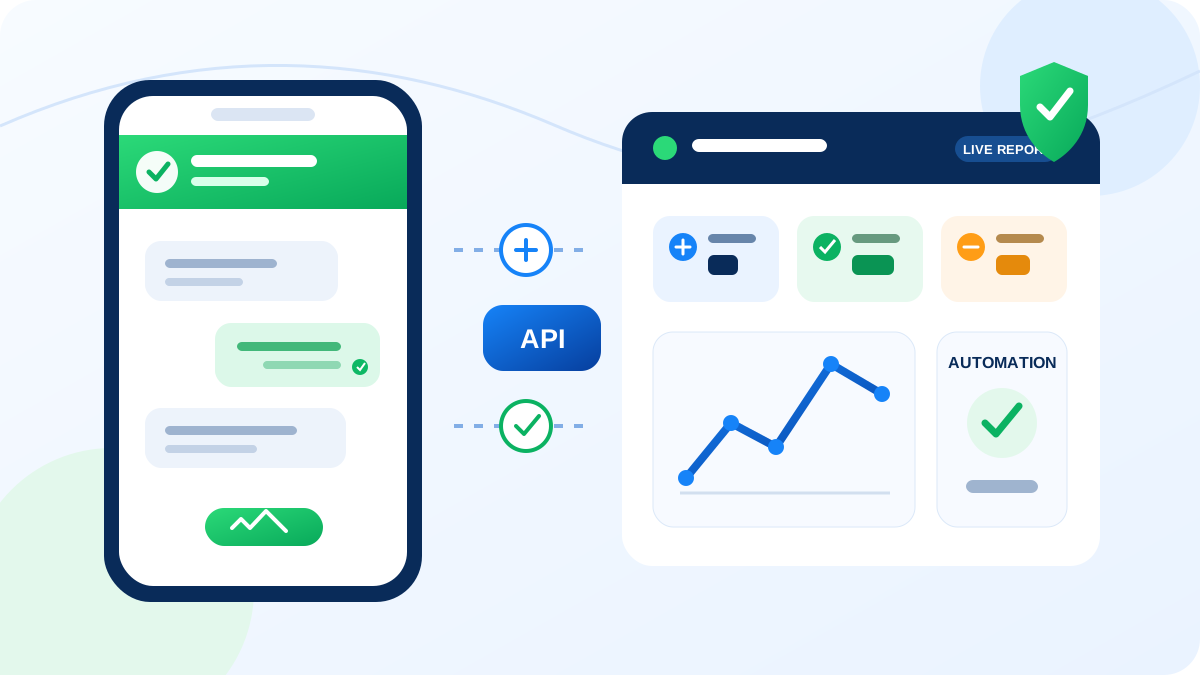
WhatsApp Business API is designed for businesses that need multiple-user access, approved message templates, integrations and structured communication at a larger scale than the regular WhatsApp Business app. For companies in Mysore, it can connect customer conversations with websites, enquiry forms, CRMs and internal processes.
- Common business use cases
- Industry-specific examples
- Consent and template requirements
- A practical implementation process
Where the API helps a business
Enquiry follow-up
Send a confirmation after a website enquiry, assign the conversation to a team member and continue the discussion from a shared inbox.

Appointments and reminders
Share approved reminders, rescheduling options and service updates for clinics, salons, consultants and other appointment-based businesses.
Order and service alerts
Notify customers about order confirmation, dispatch, delivery, service status or renewal dates using approved templates.
Customer support
Allow multiple authorised agents to answer enquiries, route conversations and retain a structured service history.
Lead qualification
Collect basic requirements through guided questions and move qualified enquiries to sales staff or a connected CRM.
Payment notifications
Send approved payment reminders and acknowledgements without exposing sensitive payment information in messages.
Practical use cases by industry
Education
Admission enquiries, fee reminders, event notifications and parent communication with documented consent.
Healthcare
Appointment reminders and general service information. Confidential medical data should not be shared through ordinary message flows.
Real estate
Property enquiry follow-up, site-visit scheduling and project updates for people who requested information.
Ecommerce and retail
Order updates, support, delivery alerts and opted-in campaigns using approved templates.
Travel and hospitality
Booking confirmations, itinerary reminders, check-in information and customer assistance.
Professional services
Consultation bookings, document reminders, renewal notifications and support conversations.
A responsible setup process
Define the communication purpose
Identify which alerts, support conversations and workflows genuinely need WhatsApp.
Prepare business verification
Use accurate business information and complete the required Meta and provider onboarding steps.
Collect valid customer consent
Explain what messages a person will receive and provide a clear method to opt out.
Create approved templates
Prepare clear, accurate templates for business-initiated notifications and submit them for approval.
Connect and test the workflow
Integrate the website, CRM or application; test routing, fallbacks, reporting and staff access before launch.
Frequently asked questions
What is WhatsApp Business API used for?
It supports approved customer notifications, multi-agent support, integrations and automated business workflows.
Can it connect with a website or CRM?
Yes. The exact connection depends on the selected platform, API access and the business workflow being implemented.
Can businesses send promotional messages?
Approved templates may be used for eligible opted-in communication. Consent, template category and policy compliance are essential.
Planning a WhatsApp API workflow?
Weform Solution helps businesses in Mysore evaluate onboarding, templates, integrations and practical customer communication workflows.
Explore WhatsApp API services Talk to our team